How to Plan a Wedding: 9 Steps in the Right Order
To plan a wedding, work in this order: set a budget and a guest range, choose a date and venue, book the biggest vendors, send invitations, then turn everything into a schedule for the final month. Every step depends on the one before it, which is why the order matters more than any single idea you save for later. This guide walks through nine steps and gives you a table you can follow from engagement to the day itself.
The goal is a wedding that feels organized instead of frantic: you know what is booked, what is paid, who is coming and what happens next, without hunting through six apps.
The 9 steps at a glance
| Step | Decision | Why it comes here |
|---|---|---|
| 1 | Total budget and who contributes | Every later choice has a price |
| 2 | Guest count range | Drives venue size and catering cost |
| 3 | Season, date and venue | Venues and dates book first |
| 4 | Core vendors | Food, photo and music book out early |
| 5 | Wedding party and attire | Lead times are long |
| 6 | Guest list, invitations, RSVPs | Needs a date and a venue |
| 7 | Details: ceremony, menu, decor | Depends on your venue rules |
| 8 | Seating and schedule | Needs confirmed RSVPs |
| 9 | Final month handoff | Names who does what on the day |
Step 1: Set the budget before you fall in love with anything
Write down one total number and who is contributing: you, your partner, parents or others. Then split it into categories. A starting point many couples use is roughly 28 percent catering and bar, 15 percent venue, 12 percent photo and video, and the rest across attire, flowers, music, stationery and a buffer. Treat those shares as a draft and adjust them to what matters to you. The full method is in how to build a wedding budget breakdown.
Step 2: Choose a guest count range
You do not need a final list, only a range such as 80 to 100. Guest count multiplies almost every cost: food, chairs, invitations, favors. Writing a first draft early also surfaces family expectations while there is still time to talk about them calmly.
Step 3: Pick the season, the date and the venue
Start with two or three possible dates, not one. Ask each venue what is included, how many hours you get, what the vendor rules are and when payments are due. Once you sign, put the deposit and every later due date into a payment record the same day. A venue is not done until its dates are on your calendar.
Step 4: Book the core vendors
Usually that means catering, photography, music and coordination. Some venues bundle a few of these, so ask before you book twice. Keep each vendor in one list with the business name, the quote, what you have paid and the balance. Our guide to a wedding vendor tracker shows the fields that matter.
Step 5: Wedding party and attire
Ask your wedding party early, then order attire with enough room for alterations. Put fitting dates in the same checklist as everything else so nothing sits in a private note.
Step 6: Guest list, invitations and RSVPs
Build one guest list with household, contact details, invitation status, RSVP, meal choice and table. Send invitations with a clear reply date. A list that already has meal and table columns saves a second round of data entry later. See the wedding guest list template workflow.
Step 7: Fill in the details
Now you can decide on the ceremony structure, the menu, the decor and the small touches. Work from your venue rules: some do not allow candles or confetti, and some require approved vendors. Each detail should have an owner and a date.
Step 8: Seating and the wedding-day schedule
When RSVPs come in, assign tables and draft a timeline from the ceremony time backward: when the photographer arrives, when hair and makeup start, when guests are seated. Share the draft with vendors and ask them to check their part.
Step 9: The final month
Confirm the final guest count, pay final balances, pack bags, print the schedule and name one person who can answer questions while you are getting ready. In the last week you verify, you do not redesign.
Make the whole thing one plan
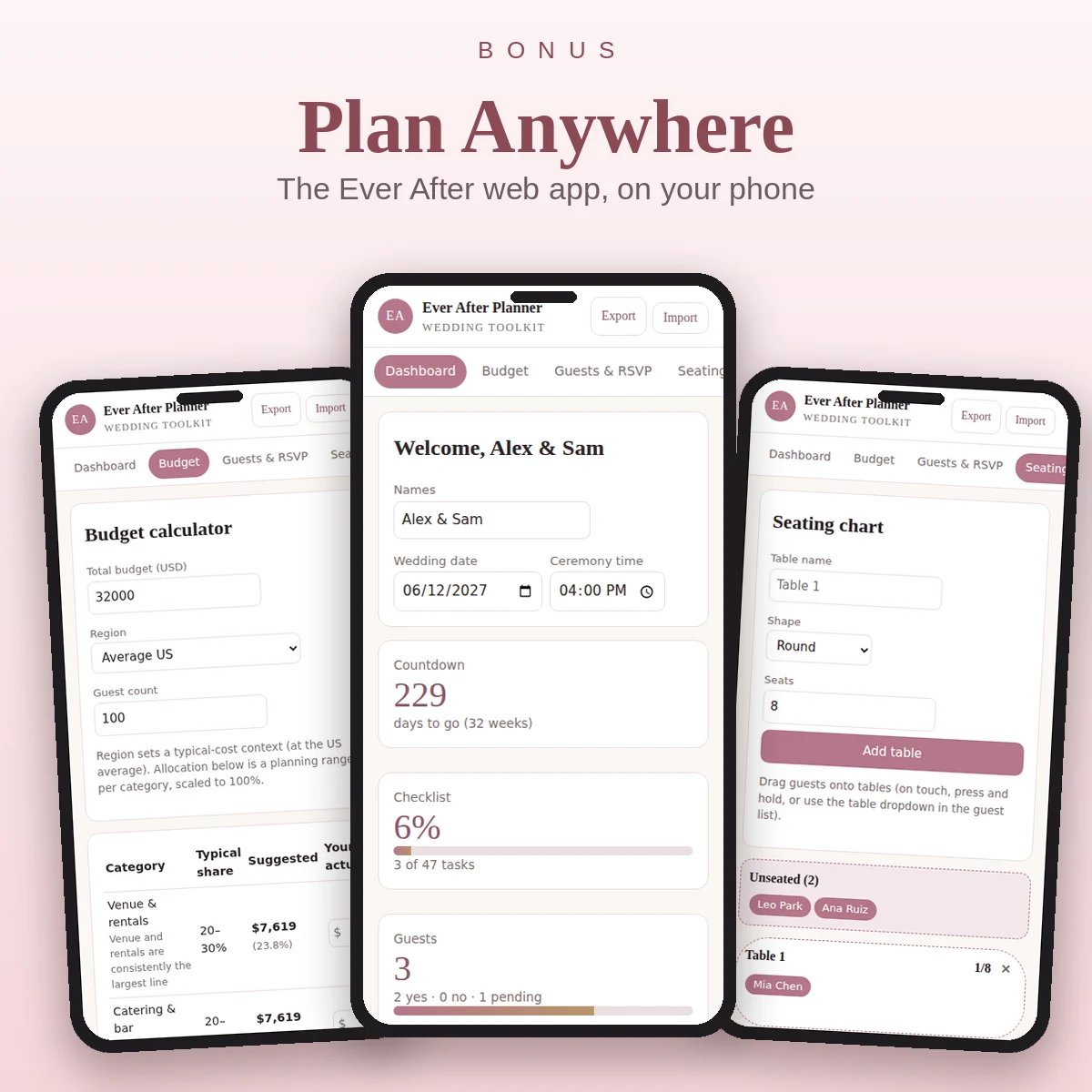
Most stress in planning does not come from having too much to do. It comes from every piece living in a different place. The Ever After Wedding Planner keeps the budget, payments, checklist, guest list, seating chart and vendors in one 33-tab workbook that works in Google Sheets, Excel and Numbers. The Checklist tab holds 120 tasks with due dates that calculate from the wedding date you type on the Dashboard, and the Dashboard shows days to go, tasks done, money paid and RSVPs at a glance. It comes in five color versions, with a printable planner PDF and a Start Here guide, for $34.80 one time.
If you prefer to see the dates laid out before you commit, read the wedding checklist by month.
A simple weekly rhythm
Pick one evening a week, thirty minutes, for a planning check-in. Open the checklist, update statuses, log any payment, answer one vendor email and choose the next three tasks. Short regular sessions beat a monthly marathon. If something is not on the list, it is not planned yet. Add it, give it an owner and move on.
Common mistakes to avoid
- Choosing a venue before the budget. You may fall for a place you cannot afford.
- Letting quotes sit in an inbox. A quote without a next action is an open task.
- Counting plus-ones twice. Decide whether companions have their own row or their own columns.
- Skipping the buffer. Keep 5 to 10 percent unallocated for surprises.
- Leaving the schedule to the last week. Vendors need time to react to it.